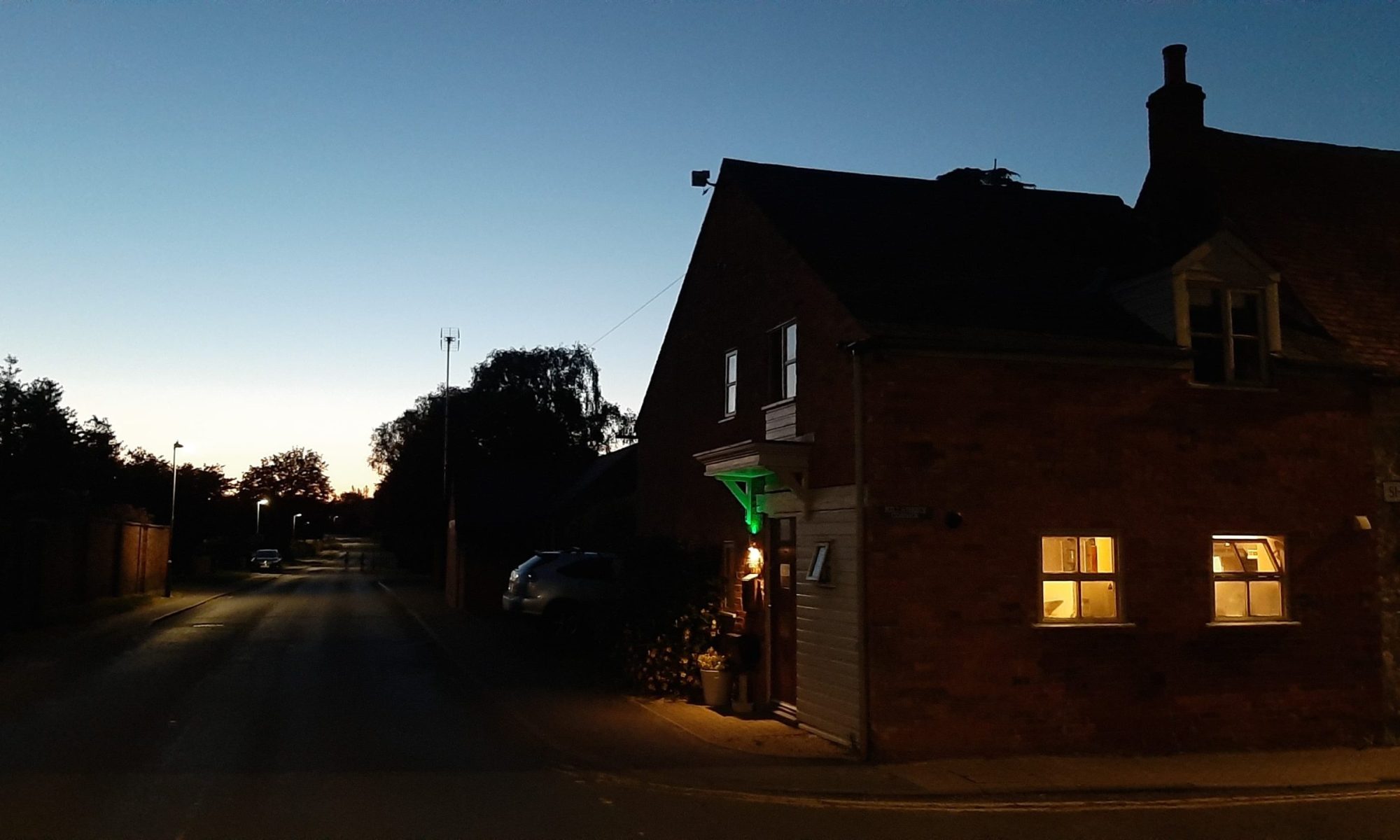
GUEST HOUSE MANUAL – A to Z
A – WiFi code :
Network: KILLARNEY
Password: CORNERCV364AE (CAPITALS)
OR SCAN THE QR CODE located in the kitchen on the notice board to the left as you walk in.
Alexa
Alexa is located on the shelf to the left of the TV in the lounge, hidden behind the panel under the books.
If she misbehaves or you fall out with her, feel free to unplug her!
Bins
Bin collection day is Tuesday, so please put the bins out on Monday evening.
- Blue Bin – Recycling (every other week)
- Grey Bin – General waste (every other week)
- Food Bin – Collected weekly
The bins are kept on the corner of the parking area, where they are collected from.
CCTV
CCTV cameras are installed outside the property.
- If you would like access to the cameras, just ask.
- There is also a camera in the rear courtyard, but this is normally switched off. If you would like it activated at night, please let us know.
Dishwasher
Please feel free to use the dishwasher.
There are arrows showing which buttons to use for:
- Upper basket
- Lower basket
- Temperature settings
Electric Cupboard
Located in the lounge by the rear doors.
Fire
There is a log fire in the lounge.
Please do not use it unless discussed beforehand.
Gas
Emergency gas shut-off: Located in the bike shed next to the gas meter.
Hallway Lighting & Heating
The hallway switches control:
- Main hallway light
- Dimmer switch
- Landing light
- Outside lights (please remember to switch these off)
Heating
The thermostat is located in the lounge on the shelf next to the fireplace.
Kitchen
Hob
The kitchen has a gas hob.
Please ensure the hob is switched off after use.
Do not leave flames burning without pans on the hob, as the cupboards above can become hot and create a fire hazard.
A fire cloth is located to the left of the oven.
Air Fryer
Located next to the microwave.
Please clean the tray after use.
Microwave
To quickly add 30 seconds:
- Press the bottom-left button firmly
There are lots of other buttons too… but we’re still figuring some of them out ourselves!
Fridge & Freezer
The fridge is usually set to 3.5.
- Small freezer compartment at the top
- Light switches are on the wall as you walk in and around the corner
- The hidden chimney breast light switch is to the left of the air fryer
Lounge
Lighting
- Dimmer switch:
- Short touch = On/Off
- Long touch = Dim/Brighten
The light above the TV is controlled by a hidden switch on the left side of the chimney breast near the books.
Mood Lighting
Controlled by saying:
“Alexa, turn the lounge light on”
You can also use:
- The white remote control
- The manual switch on the left of the centre shelf
TV
The lounge TV is a Smart TV.
The PLAY button on the remote also turns the TV on and off… although it sometimes tries to play something too. You’ll work it out!
Outside Area
BBQ
Please feel free to use the BBQ — although it does have its quirks!
Only the right-hand ignition works.
To Light the BBQ
- Attach the gas valve to the bottle and turn it on
- Press and turn the right-hand knob until you hear the ignition click
- The right side will light
- Close the lid and turn on the left-hand side
- After a few seconds you’ll hear a satisfying “whoosh” as it lights
To Turn Off
- Turn both knobs off
- Disconnect the pipe from the gas bottle
Cleaning
- Wipe the plates clean with a kitchen cloth once cool
- If needed, the plates can be removed and washed in the kitchen sink
Please leave the BBQ as you found it.
Outside Lights
Say:
“Alexa, turn on lounge lights”
Parking
A digital parking permit is provided for Sheep Street.
Washing Machine
Located in the kitchen cupboard next to the oven.
WiFi (Again, because everyone asks!)
Network: KILLARNEY
Password: CORNERCV364AE (CAPITALS)